Run it locally
Some Nimbledeck components need a Python process on your machine, so a static website cannot show them. They are left
out of the hosted example deck and shown here instead, as they look when nimbledeck run is running.
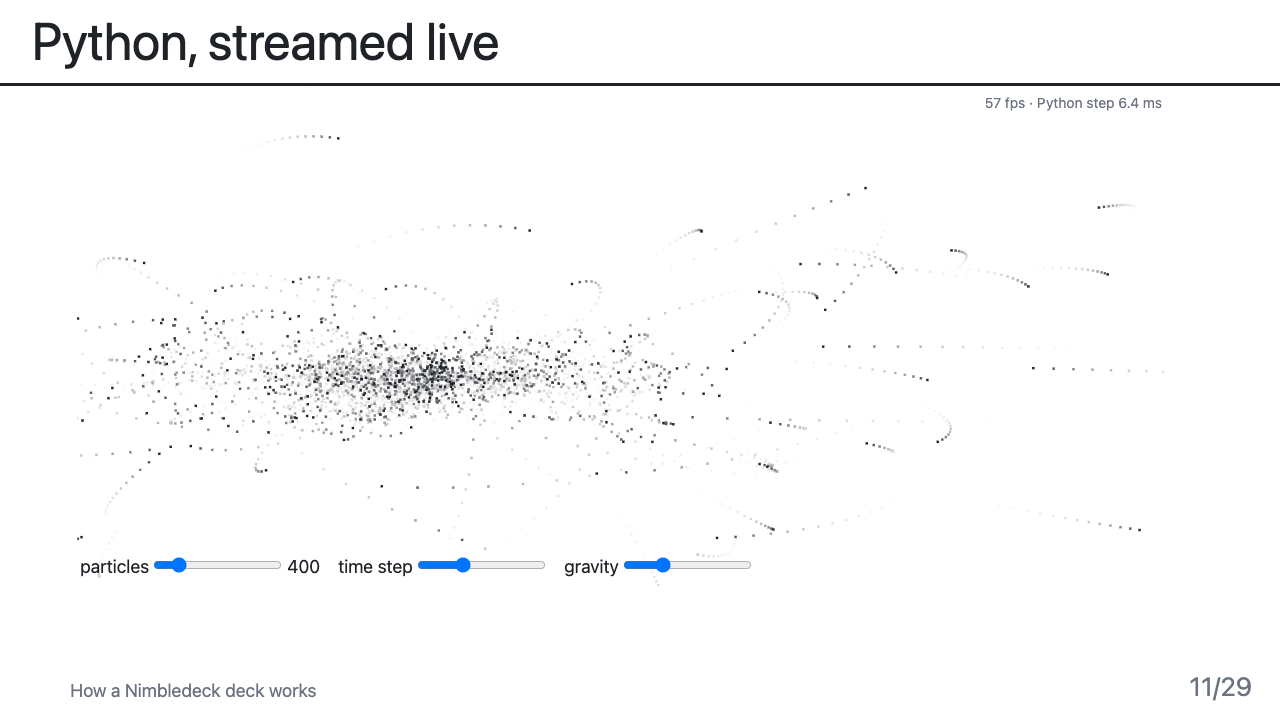
Python, streamed live
<PyStream name="nbody" />. A Python process computes particles and streams them to a canvas at about 60 frames per
second. The sliders send new parameters back to Python.
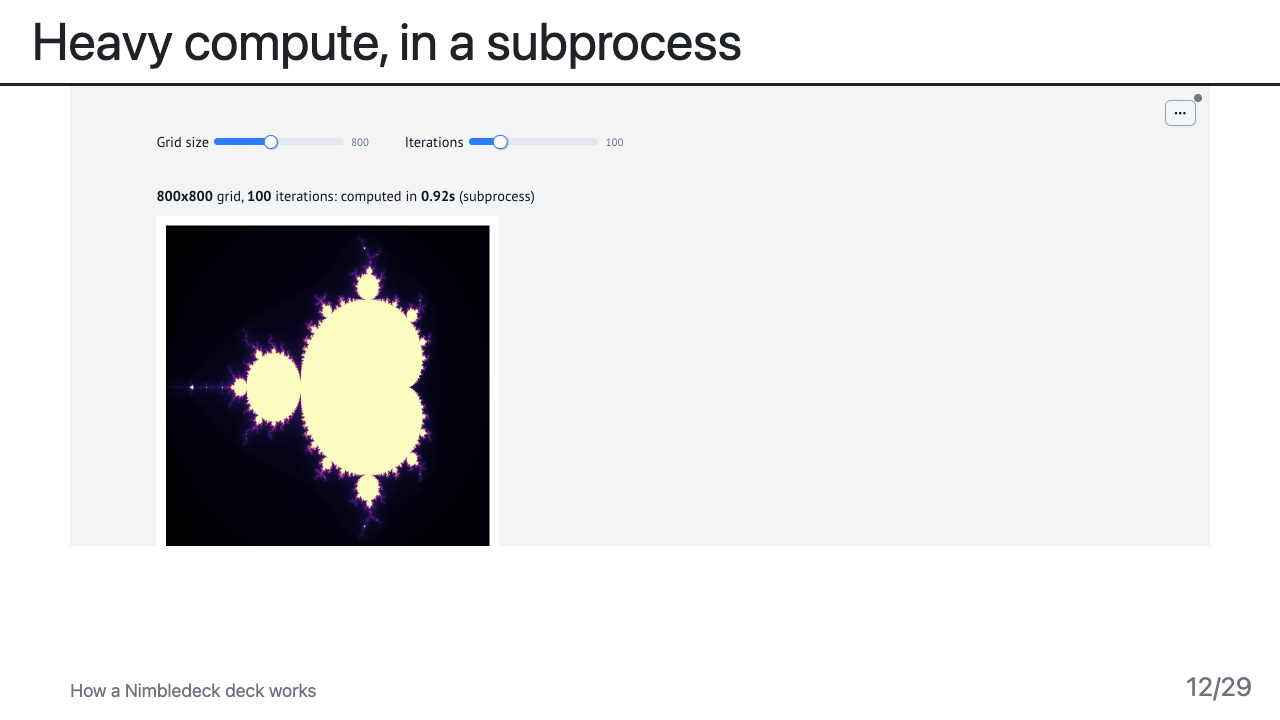
Heavy compute, in a subprocess
<Demo name="compute" />. A marimo app does its work in a subprocess and the slide only shows it.
If the process is down, the slide shows an offline panel and reconnects by itself.
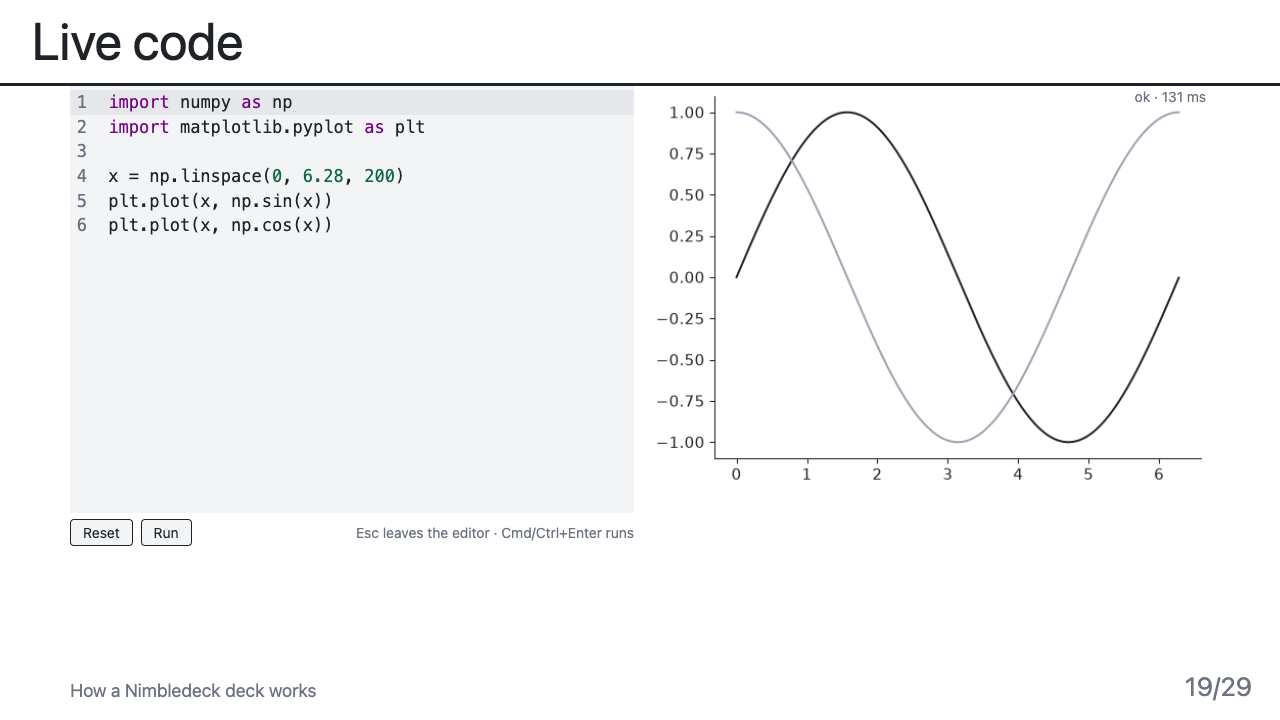
Live code
<LiveCode>. Edit Python next to its result. Printed text and every matplotlib figure update as you type, in about a
tenth of a second. Each run is a separate, limited process.
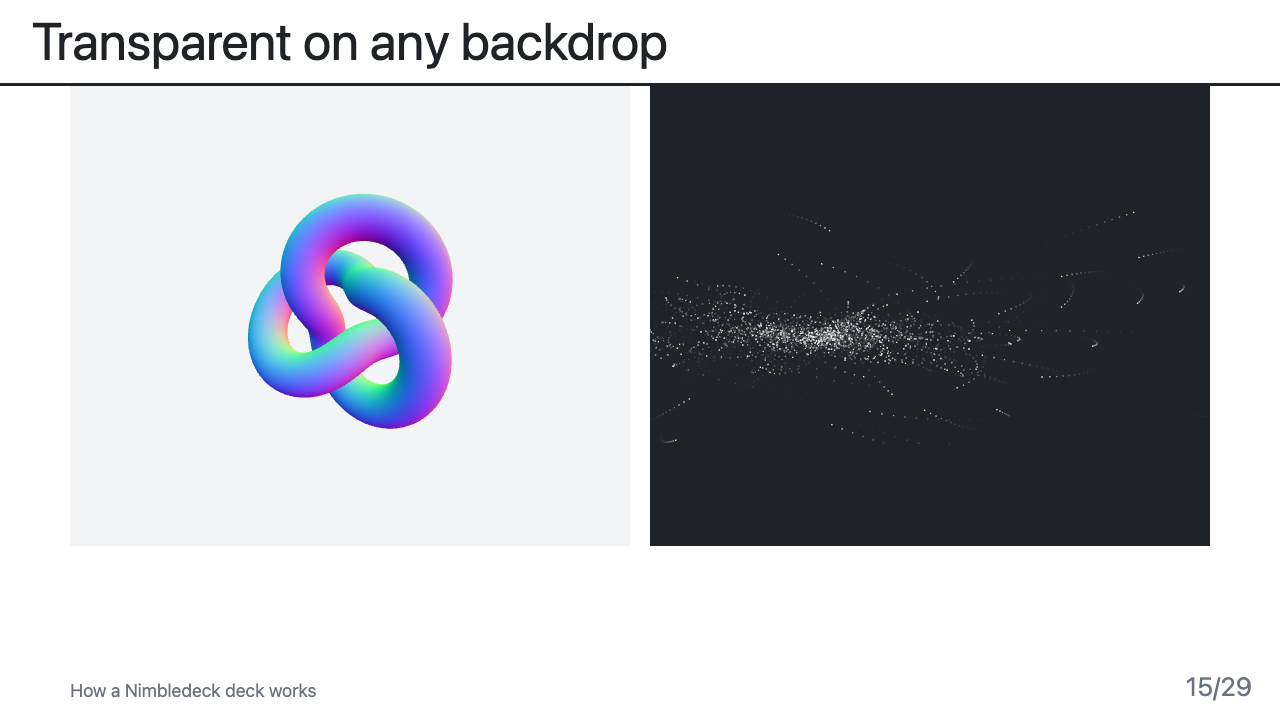
Transparent on any backdrop
Live components have no background of their own, so they sit on any slide colour. Here a WebGL scene and a Python stream share one slide.
Or watch a recording
A live slide can also play a film of itself. nimbledeck record my-deck.md runs the deck and its Python processes once,
films every live component, and saves the clips in public/recordings. Wherever the process is not running (a static
website, a laptop without Python) the slide plays the clip, marked "Recording of a live run", and goes live by itself when
the process is there. Typing, sliders and buttons can be scripted so the clip shows the point. See
Recording live components.
Try them in three commands
You need Node 20 or newer and uv (it fetches Python 3.12 by itself).
git clone https://github.com/arnaudbletterer/nimbledeck.git
cd nimbledeck && npm install
npm run example        # http://localhost:3030, every demo running
Slides 11, 12, 15, 19 and 20 of the example are the ones shown above. The whole system is described in Architecture, and what to do before a trip with no connection is in Working offline.
Why not in the browser?
Running Python inside the page (WebAssembly) is possible for simple cases, but it would not match what these components do locally: native packages, subprocesses, and 60 frames per second from a real process. The hosted deck stays honest instead of showing a lookalike.